Do all plans include these features?+
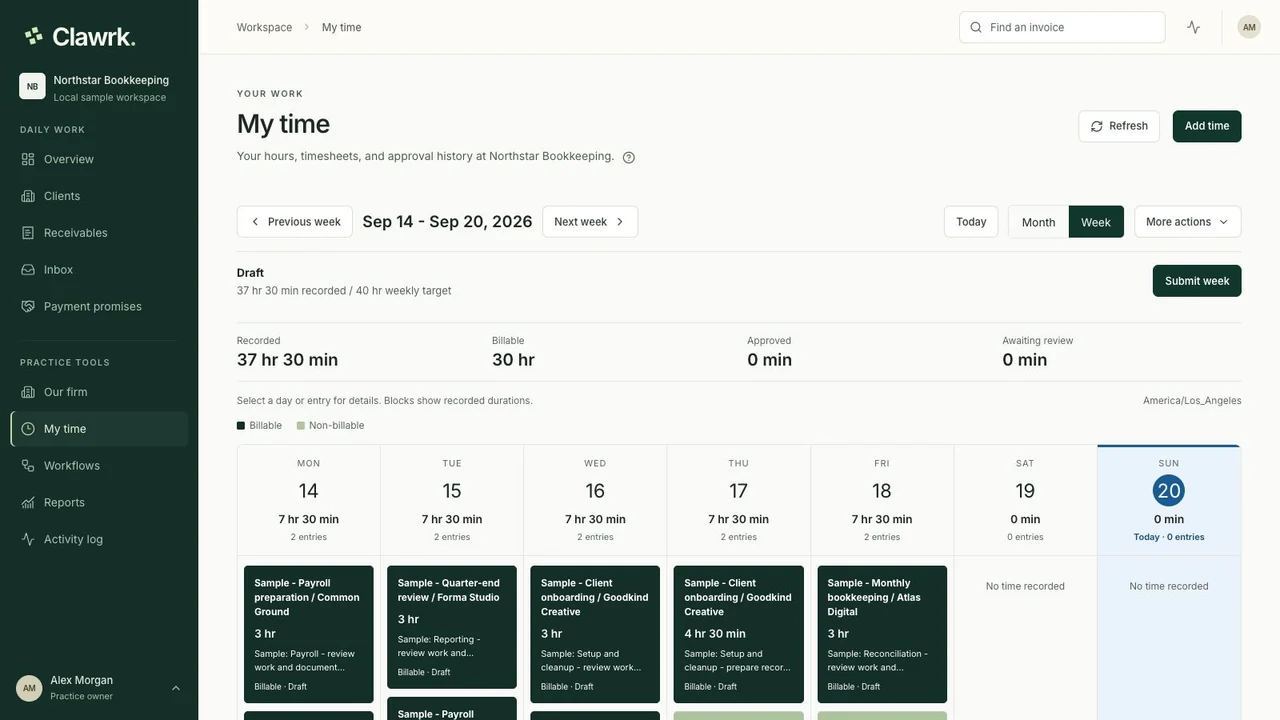
All plans include collections, time tracking, weekly approvals, and unlimited teammates. Firm invoicing is available in practice workspaces. Business supports one company; practice plans support client portfolios. Reminder allowances and client capacity vary by plan.
Can teammates track time without seeing invoices or rates?+
Yes. Choose Timesheets only access in Settings > Team and enable time recording. They can record and submit their own hours. An assigned reviewer can review team hours, while hourly costs and bill rates remain private to owners and admins.
Can an administrator record hours for someone else?+
Yes. Add the employee or contractor in Settings > Team and choose to record their hours without inviting them. An administrator enters their time; the person has no login. You can invite them later and keep their saved time history.
Can I use Clawrk without QuickBooks?+
Yes. Start a manual ledger, then import a CSV or add invoices individually. If QuickBooks will be your accounting source, connect the empty company before adding manual invoices.
Will Clawrk update my QuickBooks records?+
Clawrk reads connected client receivables from QuickBooks. Record payments and corrections there. Separately, practice owners and admins can sync finalized firm invoices to their own QuickBooks books after mapping the customer and service item.
Does connecting QuickBooks start sending reminders?+
No. Customer reminders need your team's approval and checks before submission. A changed balance, reply, dispute, or active promise can stop follow-up. Approved and delivered are separate states.